How Velora works
You don't need an account or credit card. Explore real published studies, put together a short brief, and review your WhatsApp message before sending anything.
Pick where you want to start
No topic yet? Open Topic Explorer and enter your degree level, field, and interests. Already have a topic, chapters, or dataset? Go straight to Get Support.
Look through real papers or fill a short brief
Topic Explorer searches OpenAlex (and Crossref if needed) for real published records and builds topic angles around them. Get Support only asks questions that match the kind of help you picked.
Edit your message and open WhatsApp
Before leaving our site, you see the full message in an editable box. Remove your school name or deadline if you want, then tap Open WhatsApp when you're ready.
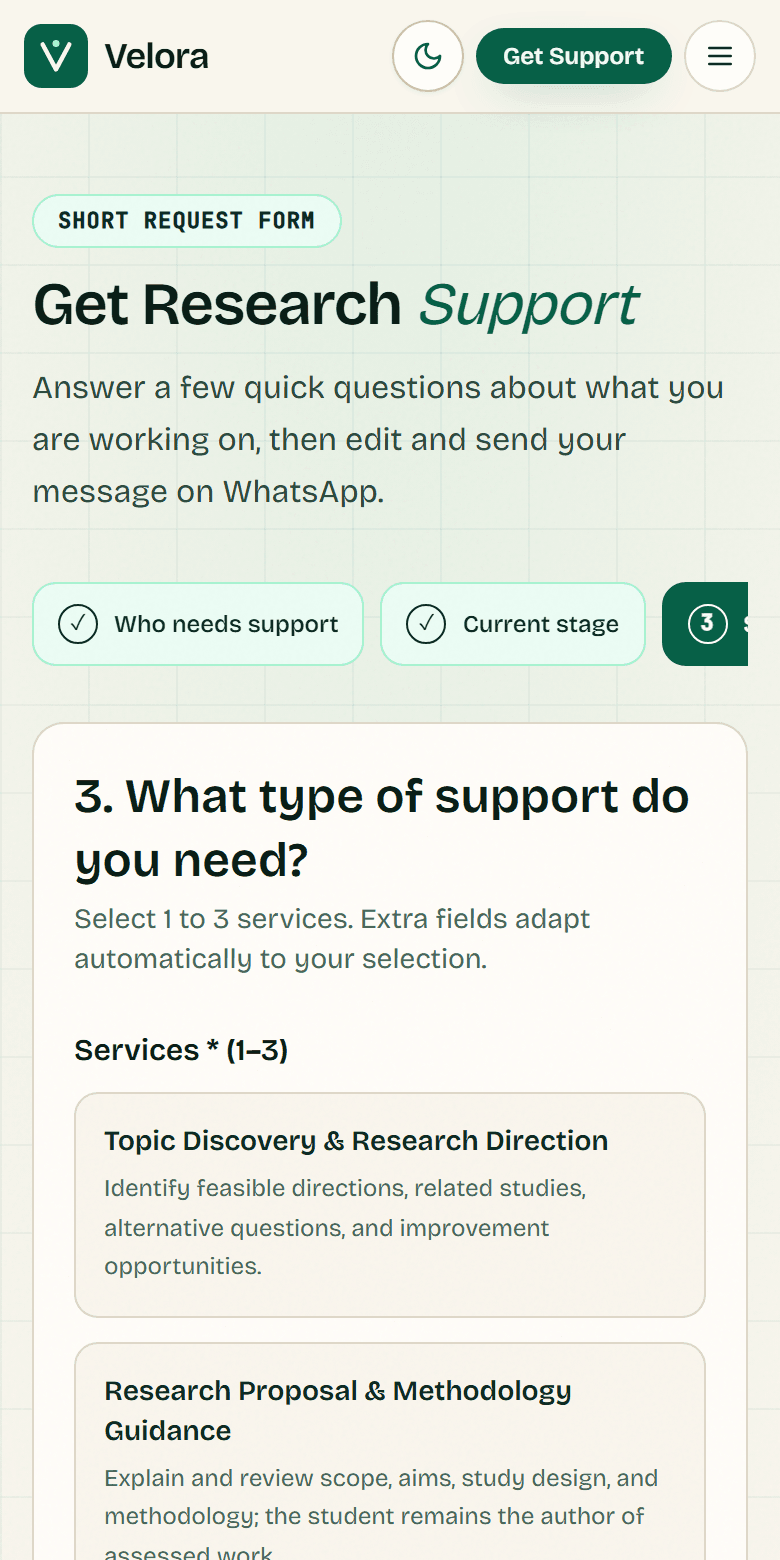
Edit your draft before WhatsApp
What happens on WhatsApp
- Nothing sends automatically: Tapping Open WhatsApp only opens a draft inside WhatsApp. You decide whether to press Send.
- No website checkout: Fees, timelines, and what is allowed for your school are agreed directly with the specialist or coordinator.
- No saved server drafts: We don't store your research brief in a database on our server.